Every matter in one place. An assistant that has read it all.
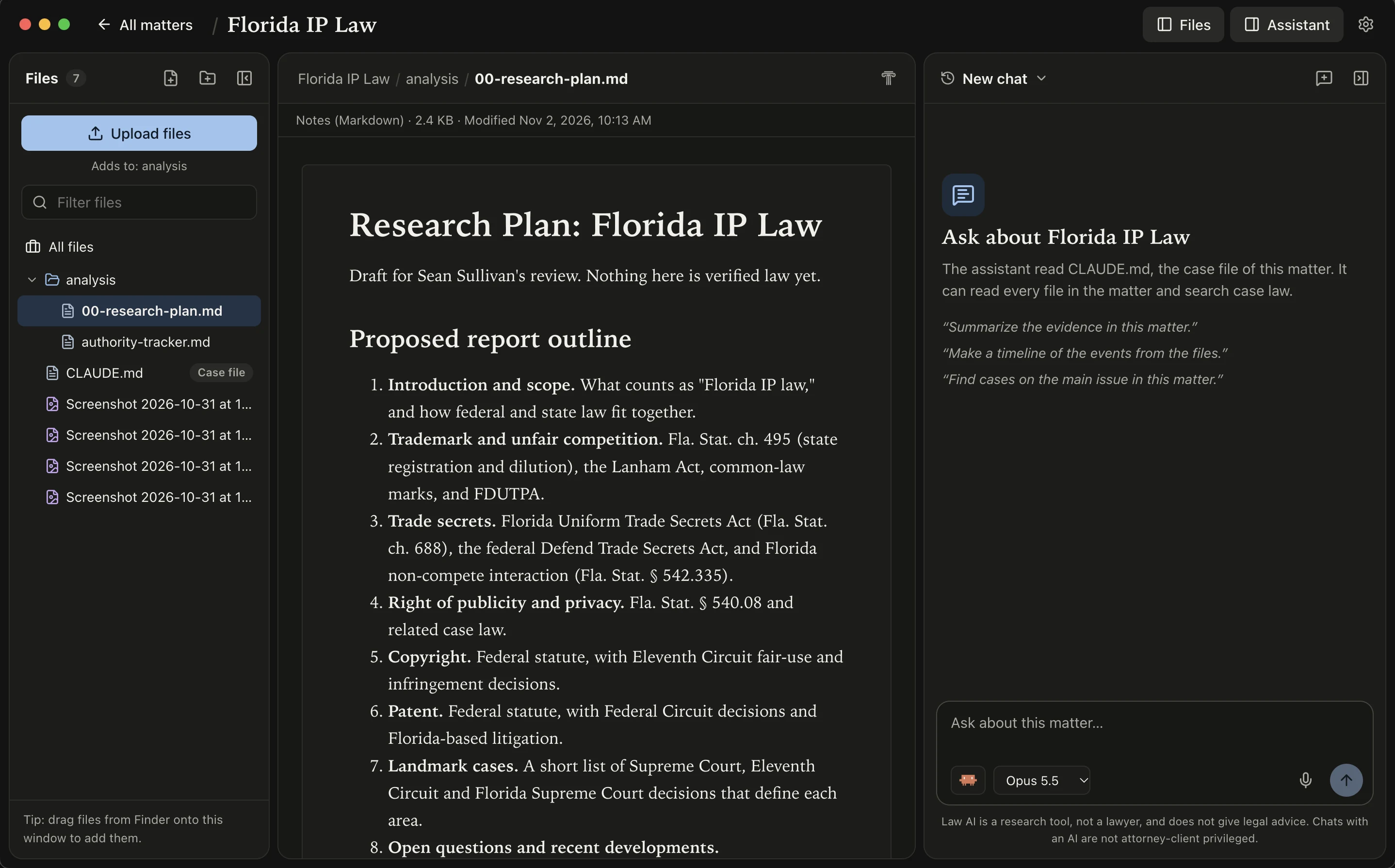
Law AI keeps each case in its own folder on your Mac. The assistant reads every file in the matter, follows the case file you approve, and searches real case law.
Free to download and use. Runs on your Claude Code or Codex subscription.
How it works
Built around the matter, not the chat.
-
One folder per matter
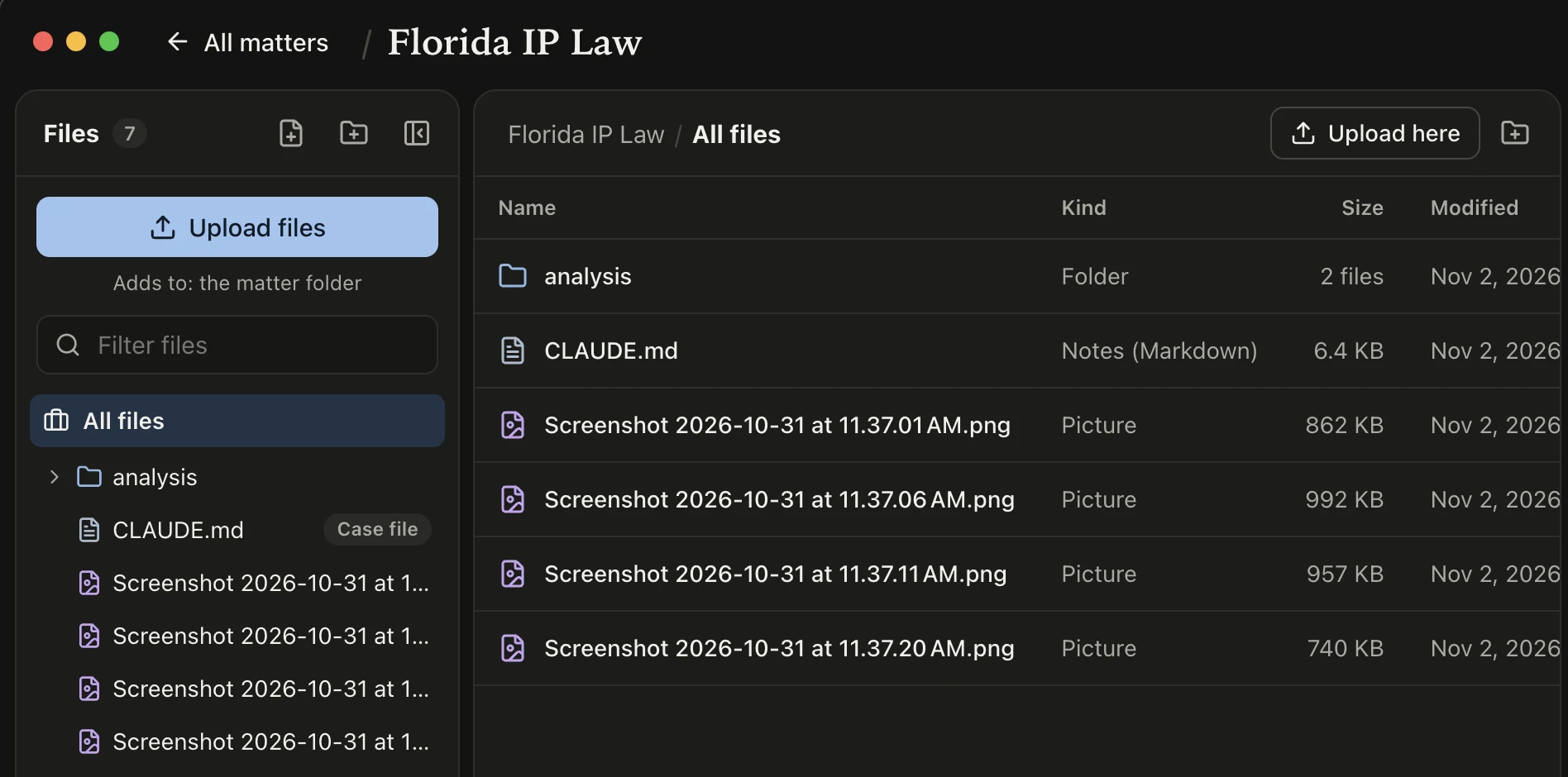
Each matter is a plain folder on your Mac. Upload files or drag them in from Finder. PDFs, pictures, video, audio, and notes open right in the app.
-
A case file you approve
Setup reads your documents, asks a few questions, and drafts a case file. You review and approve it. Every answer after that follows it.
-
Real case law
The assistant searches CourtListener for opinions, plus Firecrawl and Descrybe when you connect them. You sign in with your own accounts.
-
Your Claude Code or Codex plan
Law AI runs on the subscription you already have. Pick the engine and the model for each chat. Past chats stay with the matter.
-
Dictation on your Mac
Click the mic and speak your question. Your speech turns into text on your Mac and never leaves it.
-
Notes that export to PDF
Edit notes as formatted text. They save as you type. When a memo is ready, export it as a PDF.
Pricing
Free to download. Free to use.
Law AI costs nothing. There is no trial and no paid tier. The assistant runs on the Claude Code or Codex subscription you already have, so you do not pay for a second AI service.
Your files
The documents sit beside the conversation.
The file tree, the open document, and the assistant share one window. Right-click any file and choose “Ask about this file.” The assistant can read it, but only inside the matter folder.

Try Law AI on your Mac. It’s free.
Download for MacQuestions, feature requests, or bugs? Message me on X.
@SeanSul212